A shopper asks for a washable work bag that fits a 15-inch laptop. Your product page calls the bag “perfect for everyday life.” The dimensions are buried in an image, the care instructions are missing, and the brown version is sold out.
A more conversational search experience does not resolve those gaps for you. Someone still has to supply the facts.
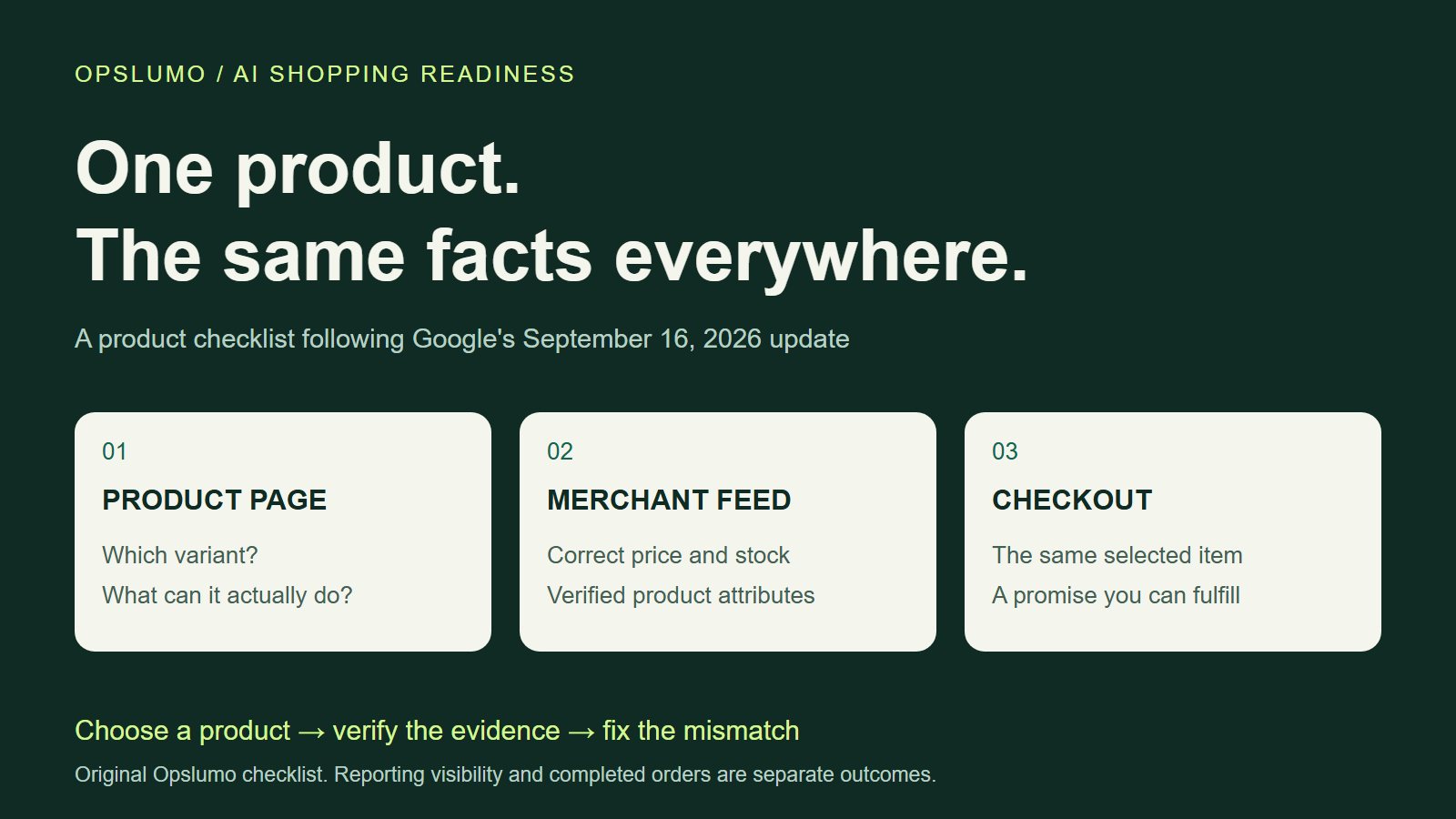
What should a small retailer do after Google's September 2026 AI shopping update? Start with a small group of products: reconcile their price, stock status, and variants across the website, Merchant Center, and checkout; then add verified answers to the questions shoppers actually ask. Use the new reporting to choose what to investigate, and use completed orders to judge the commercial result.
What Google announced on September 16
In its September 16, 2026 commerce announcement, Google expanded access to Merchant Center AI performance insights, invited eligible U.S. retailers into a Business Agent beta for YouTube ads, and described new Universal Commerce Protocol integration features. The latter include cart transfer and checkout testing, with a gradual U.S. rollout.
Those are different tools with different availability. A reporting feature, an advertising beta, and a checkout integration should not become one undifferentiated “AI shopping” project on a small team's to-do list.
This guide focuses on the work a retailer can scope first: finding an information gap and fixing the product record behind it. It is an editorial action plan, not a report of results from an Opslumo client.
Read the AI report before reacting to the percentage
According to Google's current reporting guide, AI performance insights cover English-language shopping queries for Merchant Center accounts in Australia, Canada, India, New Zealand, and the United States. Find the report under Analytics → Products → AI performance.
The documented scope is organic shopping visibility in AI Mode and AI Overviews, excluding paid ads. Share of voice compares AI impressions within Google's defined competitor set; it is not a percentage of sales. Category, country, and time filters matter when comparing readings.
Two details can prevent an expensive misreading. Google says a share-of-voice value of 0 can reflect insufficient impressions, while a dash indicates no impressions data. A value of 100% can appear when no competitors are defined for the report. Neither extreme, by itself, tells you how much demand you won or lost. Data also arrives with a lag of a few days.
If the report is unavailable for your account, keep that limitation in the working notes. You can still inspect your own product information and customer questions without claiming to have measured AI visibility.
Check one product in three places
Choose a product that matters to the business and that someone can inspect properly. A seasonal bestseller with several colors is a better starting point than a bulk rewrite of the entire catalog.
Google's product data specification requires submitted price and availability to agree with the landing page, structured data, and checkout. The same guide calls for accurate product descriptions and appropriate variant details. These are existing requirements, not a new guarantee of AI placement.
Open the actual product link from the feed on a phone. Select the advertised variant and follow it as far as the order review screen. Do not place a test order unless you have a defined testing procedure. Use this comparison:
| Fact to verify | Where to compare it | What deserves a fix |
|---|---|---|
| Variant identity | Feed item, selected options, cart line | A color or size changes between the search link and the cart. |
| Price and stock | Feed, visible page, markup, checkout | An expired offer or an unavailable variant remains purchasable in one place. |
| Product suitability | Specification, page copy, care guide | The claim is vague, unsupported, or true only for another model. |
| Customer promise | Shipping information, order review, confirmation | The dispatch estimate or return conditions change without explanation. |
Record the exact item ID, URLs, conflicting values, and the person responsible for the correction. “Improve the feed” is hard to finish. “Correct the stock status for the brown 20-liter bag and verify the public page” is a task someone can own.
Answer the question with evidence you actually have
Google's conversational attributes guide describes optional fields for richer product context, including questions and answers, documents, and variant information. They complement the primary product data. Google also says not to duplicate details already supplied in the description, product highlights, or product details.
That leaves an editorial decision: which unanswered question could stop a suitable buyer from choosing this product?
Illustrative example: a fictional canvas bag
Question: Can I wash this bag in a washing machine?
Useful answer: The care label for model CB-20 specifies spot cleaning only. This model is not machine washable. Check the care guide linked on this product page before cleaning it.
The answer above is invented to show the writing pattern; it is not a claim about a real bag. For a real product, the care label must exist and support the answer. Link the correct document, identify the model, and remove the claim if the evidence changes.
Start with questions from support messages, returns, or pre-purchase conversations. Remove personal information before using them. Have the product owner check each answer. An AI writing tool can help make a confirmed answer shorter; it should not supply a missing compatibility test, safety claim, or delivery promise.
The question-and-answer attribute specification provides the submission format. Treat feed formatting as a separate implementation step after the answer has been checked.
Keep the website useful outside Merchant Center
A feed enhancement is not a substitute for a readable product page. Google's AI search guidance says ordinary SEO foundations still apply: a supporting page must be indexed and eligible for a search snippet, important information should be text, and structured data should match the visible content. There is no special AI schema that guarantees inclusion.
Put the decision-making detail near the decision. If fit matters, show the measurements beside the size selector. If an accessory is required, identify it before the customer reaches the cart. A photograph can show the finish; a short text explanation can state what is included.
For service businesses, the Merchant Center report is not a general measure of all AI visibility. The analogous work belongs on the service page: what is included, who the service suits, what the customer must provide, and what happens after an inquiry. Our guide to turning AI visibility into inquiries covers that path.
Give the first round a clear finish line
For a small team, we suggest a first batch of five products. That is a workload choice, not a research-backed threshold. Keep a simple record for each item: original problem, supporting evidence, approved change, owner, and verification date.
- Before editing: save the current product page and available report filters. Note promotions, stock shortages, and other changes that could affect the comparison.
- After publishing: inspect the selected variant, visible facts, feed processing result, and order review screen. A successful save is only the start of verification.
- At the next review: compare the same category, country, and time window where possible. Track customer questions, product-page visits, completed orders, and cancellations separately.
Allow for reporting lag and seasonal demand. If sales rise while a promotion starts, the content edit has not proved it caused the rise. The first defensible result may simply be that every checked surface now gives the same accurate answer.
If corrections keep getting lost between the catalog, website, and support team, improve the workflow and ownership before expanding the batch. The holiday rush is a poor time to discover that nobody knows which system holds the current product facts.
Official sources
- Google: September 16 commerce announcement — the news event and rollout scope.
- Merchant Center: AI performance insights — report access, metrics, availability, and limits.
- Merchant Center: product data specification — product information requirements.
- Merchant Center: conversational attributes — optional product context.
- Merchant Center: question-and-answer attribute — field specification.
- Google Search Central: AI features and your website — search eligibility and content guidance.
Checked September 21, 2026. The checklist, fictional bag example, and review plan are Opslumo editorial recommendations. Feature availability may change; confirm it in your own account.