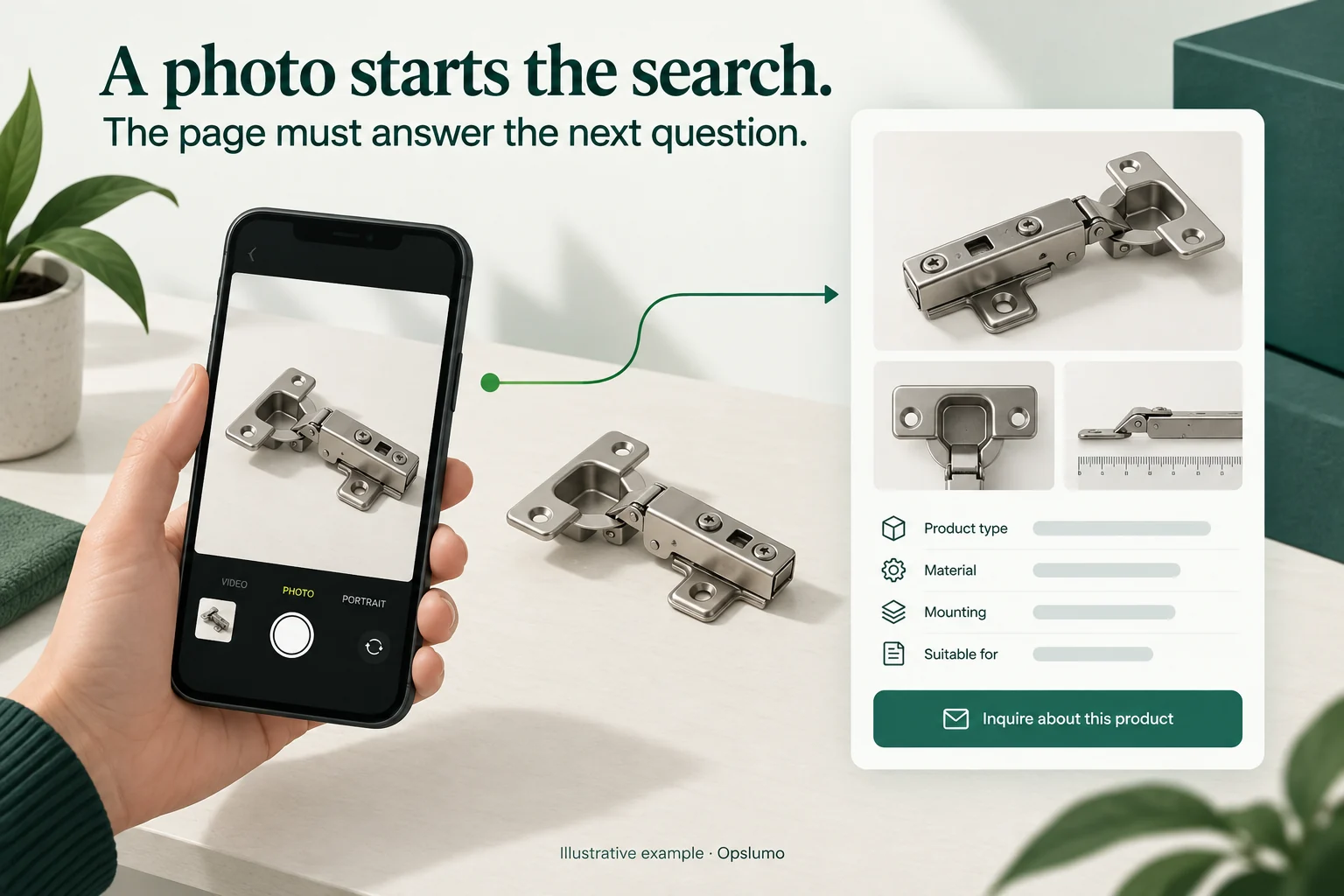
For a small business, multimodal search makes image quality and page context worth reviewing together. Start with photographs that help customers identify a product or understand a service, put the relevant facts beside them, and measure whether visitors take a useful next step.
A customer has a photograph of a broken cabinet hinge. They do not know the manufacturer, the model, or even the right name for the part.
Your website may sell the replacement. But a page titled “Quality Hardware Solutions,” illustrated with a generic kitchen photograph, gives that customer little help.
This is the practical question behind the latest search update: can someone who starts with a picture find a page that answers their next question?
What changed on September 24?
Google announced new Search Console reporting for web multimodal search on September 24, 2026. The announcement covers searches made through Google Lens, Circle to Search on Android, image uploads to Google Search, and Chrome’s image-search feature.
Google says the reporting is available through a new multimodal search-type filter in its performance reports, including the report for generative AI features. The rollout began globally that day; relevant metrics appear when a site receives traffic from these queries. Google’s announcement
Multimodal search itself is not new. The timely development is greater visibility into how people discover web content through image-led searches.
That makes this a useful moment to review existing pages before commissioning another batch of content.
A useful photograph still needs an explanation
Consider a hypothetical independent hardware supplier. Its replacement-hinge page shows one photograph and a “Contact us” button.
A more useful page could include:
- A clear view of the complete hinge.
- A close-up showing the fixing holes.
- Measurements, with units and an explanation of how they were taken.
- Verified compatibility information.
- A way to ask for help when the customer cannot identify the part.
The photograph helps a visitor recognize something familiar. The accompanying information helps them decide whether it is suitable.
This is an editorial example, not a customer case study or a claim of improved rankings. Its purpose is to show how a page can answer a buying question more completely.
For a service business, the equivalent might be a real installation photograph with a caption explaining the work completed, the materials used, and the limits of the service. Obtain permission before publishing customer property or identifying details.
A polished stock photograph can establish a mood. It cannot document work the business has actually done.
Check how the website publishes its images
Before buying new photography, check whether your existing images are accessible to search engines.
Google’s image guidance recommends standard HTML image elements. It explicitly says Google does not index CSS images. A photograph displayed only as a decorative background therefore deserves attention if it contains information you want people to discover through image search.
Google also uses the surrounding page content and alternative text to understand an image. Its guidance recommends placing images near relevant text and writing useful descriptions rather than stuffing keywords into the alt attribute. Google’s image SEO guidance
For the hypothetical hinge, an appropriate description might be:
Cabinet hinge with two fixing holes, shown beside a ruler.
Only include details the image actually supports. Compatibility belongs in the product information, backed by a specification or a verified assessment—not guessed from appearance.
Does this change GEO?
It gives teams another discovery signal to investigate. It does not establish a new formula for getting cited by AI.
Google’s guidance says the normal SEO foundations still apply to AI Overviews and AI Mode. A supporting page must be indexed and eligible to appear with a snippet. Google also recommends keeping important information available as text, with relevant images or videos where useful. No special AI markup is required, and eligibility does not guarantee inclusion. Google’s guidance on AI features
For Opslumo, the practical recommendation is to make each page understandable in more than one way:
A person looking at the photograph should recognize the subject. A person reading the page should understand the offer. Someone checking a claim should be able to find its evidence.
An infographic should therefore have a readable explanation on the page. A product photograph should sit beside accurate product details. A project image should have a caption that distinguishes the completed work from what is merely illustrative.
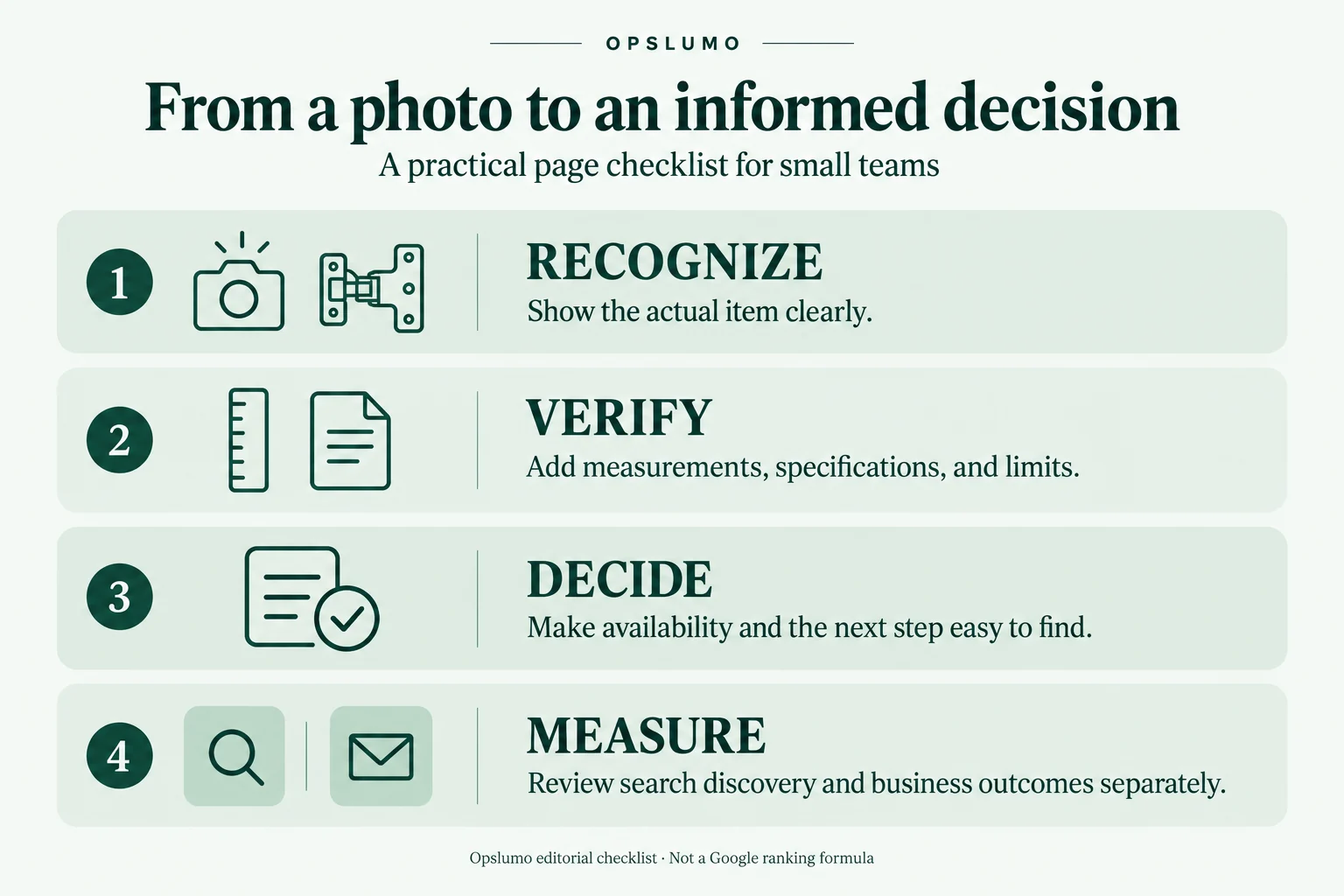
- Recognize: Show the actual item clearly.
- Verify: Add measurements, specifications, and limits.
- Decide: Make availability and the next step easy to find.
- Measure: Review search discovery and business outcomes separately.
A manageable review for a small team
Start with five pages where appearance influences a customer’s decision. Five is a suggested workload, not a Google requirement.
Choose a question for each page.
Examples include “Will this part fit?”, “What does the finished installation look like?” and “Is this the service I need?”
Check whether the image helps answer it.
Replace decorative imagery only when a more useful photograph, diagram, or close-up is available. Do not manufacture customer evidence.
Review the destination page.
Can a visitor find specifications, limitations, availability, or the next step without hunting through the site?
Record the changes.
Keep a short log of the image, caption, page text, and date changed. If several things change together, avoid attributing the outcome to one edit.
Review performance after enough data accumulates.
Where the new report is available, export the relevant data and retain the filters and date range. Compare discovery metrics with inquiries or purchases recorded in your own systems. Treat those as separate measurements unless you have evidence connecting them.
A new reporting category is also a reason to be careful with comparisons. Do not treat a newly visible number as proof that customer demand suddenly increased.
What should you do if the report shows little activity?
Do not rebuild the website around an empty report.
Check whether the filter is available, whether the selected period is useful, and whether visual identification is relevant to your customers. A replacement-parts retailer and a bookkeeping practice may have very different reasons to invest in photography.
Start with the buying question, then choose the evidence that answers it.
For a small team, a sensible first improvement is often one clear photograph, one accurate explanation, and one obvious next step on an existing page.
Need help deciding which pages to review? Explore an Opslumo SEO audit. For related product-page work, read our Google AI shopping product-data checklist.
Sources and scope
Official Google sources linked above were checked on September 28, 2026. The September 24 announcement establishes the reporting update. The five-page review and hardware example are Opslumo recommendations, not Google requirements or measured client results. Both illustrations are AI-generated editorial examples, not real customer photographs, product specifications, or Google interface screenshots. This article does not claim that image changes guarantee AI citations, traffic, or sales.