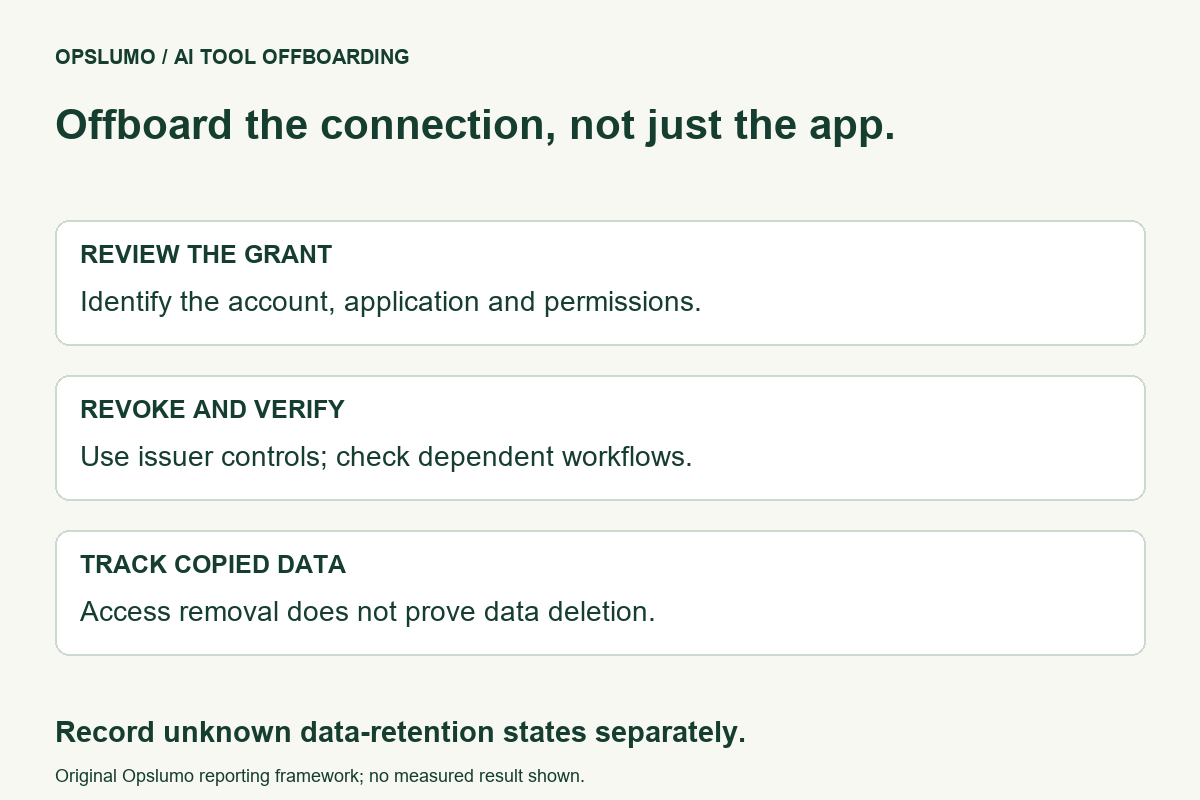
How should a small team disconnect an AI tool it no longer uses? Review the account connections it was granted, revoke the relevant authorization, and verify the workflows that depend on it. Separately investigate what data the provider already received. Removing future access and deleting previously copied information are different tasks.
Consider a fictional team that tested an assistant against a shared document account. The trial ends and the browser extension disappears, but nobody checks the connected account. The team has completed a software cleanup without establishing the state of the authorization.
Start with the account that granted access
Write down the tool, the person who connected it, the account involved, the business purpose and the data it could reach. Include shared workspaces and personal accounts used for work. An application name on a laptop is not a complete inventory of connected services.
Prioritize tools that can read customer documents or change records. Distinguish a chat used without an integration from an application that was explicitly authorized to access another service. Review the actual grant rather than inferring its scope from the product's marketing.
Review Google connections in Google's account controls
Google's guidance on third-party connections describes reviewing connections and removing access through the Google Account. It distinguishes connections such as signing in with Google from access to Google Account data. Removing a connection can affect features that depend on it.
The same guidance explains that removing access does not delete information already shared with the third party. For that question, review the provider's controls and contact or deletion process. Do not record “data deleted” merely because the connection disappeared from an account list.
For a team review, have the authorized account owner inspect the connection and its permissions. Avoid sharing passwords or exporting private account details into a general-purpose task log. Retain only the evidence needed to establish what was removed and when.
Review GitHub OAuth grants separately
GitHub's OAuth application guidance provides a separate review and revocation path under account application settings. That page concerns authorized OAuth apps; do not assume it inventories every other credential or integration your team uses.
If the tool also used a different access mechanism, identify it before declaring the offboarding complete. An account connection, a separately issued token and a local application are distinct things to investigate. Follow the documentation for the mechanism you actually configured.
Plan the interruption before revoking a working integration
Our suggested checklist begins with ownership. Who can approve removal, and which workflow will stop? For an unused experiment, that may be a quick decision. For a live customer workflow, identify the replacement or manual fallback first.
- Identify the grant. Match the application, account and purpose. Resolve similarly named applications before changing access.
- Record dependencies. Note scheduled jobs and colleagues who rely on the connection. Keep the record free of secret values.
- Revoke through the issuing account. Use the service's documented controls and retain the confirmation date.
- Verify the intended boundary. Check that the old connection is absent or revoked and that a controlled test no longer performs the previously authorized operation.
- Resolve retained data separately. Record the provider's deletion status and any unanswered question as a separate outcome.
This is an Opslumo operating recommendation, not a test result from a customer deployment. Do not run a verification that sends customer messages, modifies production records or discloses private files just to prove an integration is disconnected.
Keep unknown states visible
A useful record might say “authorization removed; dependent job disabled; provider deletion request unresolved.” That is more accurate than a single green “offboarded” label when the data question is still open.
Assign a person and next review date to unresolved items. If the account owner is unavailable, record the access state as unknown and use your established account administration process. Do not invent confirmation from an uninstall event or a failed login.
For future trials, choose a narrow purpose, an owner and an exit condition before connecting the tool. Our AI agent onboarding guide discusses lifecycle ownership. The knowledge-base freshness guide covers another lifecycle issue: retired source material that remains searchable.
Sources and limits
- Google Account Help: Manage connections between your Google Account and third parties. Connection review, removal and previously shared data.
- GitHub Docs: Reviewing your authorized OAuth apps. Account-level OAuth review and revocation.
Official sources checked November 9, 2026. The fictional scenario and checklist are editorial recommendations. This guide does not report a security incident, guarantee deletion at a provider, or claim that one account screen covers all access methods.