Make onboarding visible, reviewable, and recoverable.
The Small-Team Onboarding Toolkit translates the operating method in Employee Onboarding for Small Teams into sixteen editable worksheets. It helps a U.S. employer assign owners, define evidence, review jurisdiction-specific requirements, and keep work moving when the normal path fails.
$19.00 USD
One-time purchase · Single-business-use license · No subscription
- 16-sheet Excel workbook (.xlsx)
- Read-me guide, license and disclaimer, official-source starter links
- English-language digital ZIP package; no physical shipment
Available now. Secure checkout, receipt, customer portal access and digital ZIP delivery are provided by Creem.
Applicable taxes, if any, are shown before payment. A book purchase is separate and does not automatically include this paid toolkit.
Microsoft Excel .xlsx · English (U.S.) · Single-business-use license · Educational and operational material, not legal advice
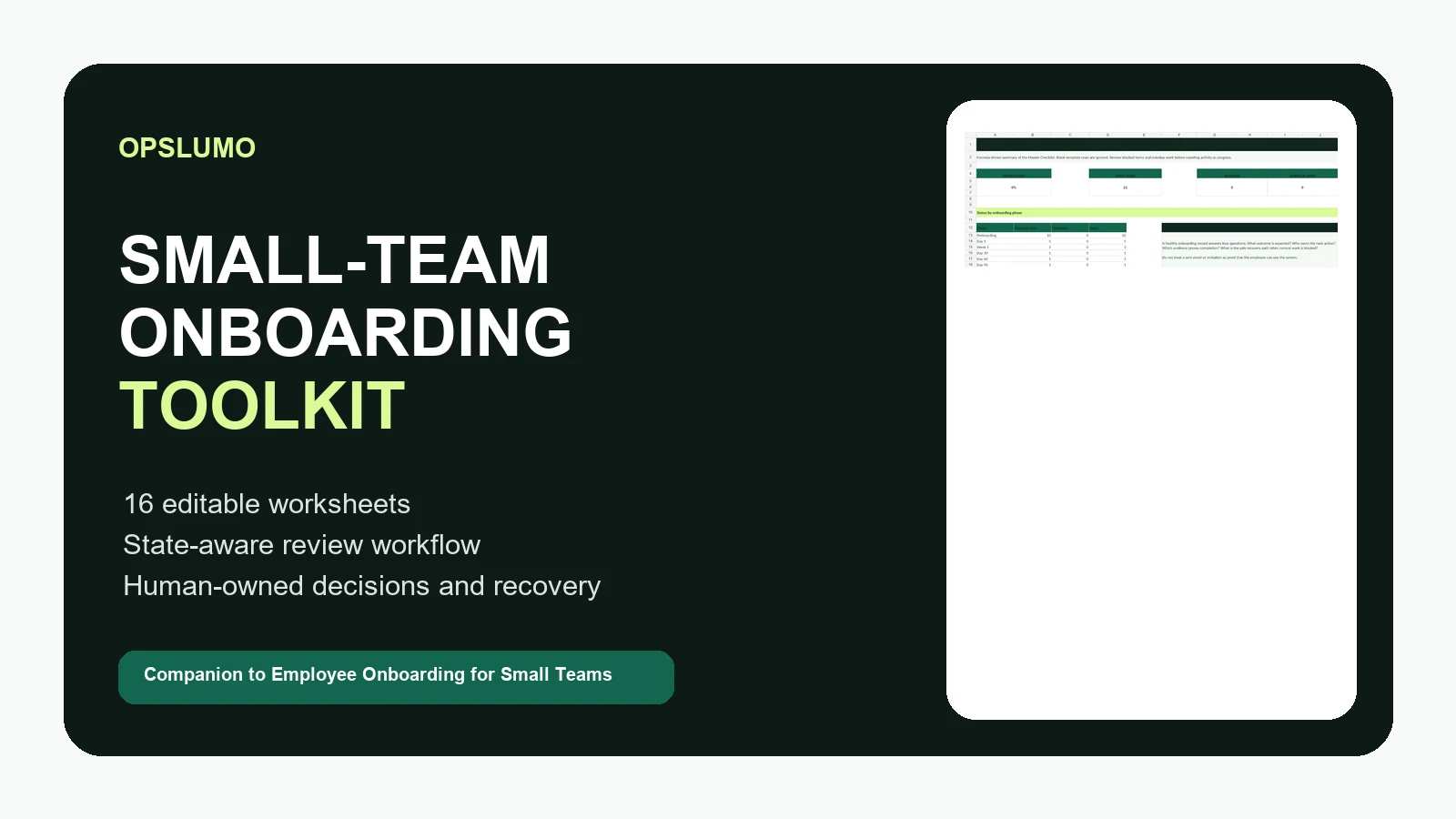
Exactly what you receive.
- Files and format
- One editable .xlsx workbook plus three .txt guides in a downloadable .zip. This is not a Canva, Notion, or Word template bundle.
- Software
- Microsoft Excel for editing. Behavior in other spreadsheet apps can vary; compatibility with Google Sheets or Notion is not promised.
- State customization
- Jurisdiction dropdowns and a State Review Log help organize your review. They do not load current laws or determine compliance automatically.
- Not included
- Custom implementation, legal advice, employee-record review, future toolkits, and lifetime updates are not included.
Questions about fit? Contact support before purchase. Read the Privacy Policy and Terms of Service.
One workbook, sixteen connected views.
The first worksheet is a linked directory. The second is the usage guide. The remaining worksheets move from company context to onboarding execution, evidence, risk, state review, and offboarding.
Set the operating context
Company Setup records the employer, primary work state, additional jurisdictions, work arrangement, worker type, start date, headcount, review cadence, and secure record location.
Run the work
The Master Checklist, First Week Agenda, Training Tracker, and 30–60–90 Plan make the expected outcome, owner, evidence, status, and next checkpoint visible.
Control access and documents
Access Matrix and Document Tracker separate approved links and completion status from credentials, identity images, medical data, and other sensitive records.
Review exceptions and jurisdiction
Risk & Exceptions records the blocked path and recovery owner. State Review Log captures source links, applicability decisions, reviewers, and next review dates.
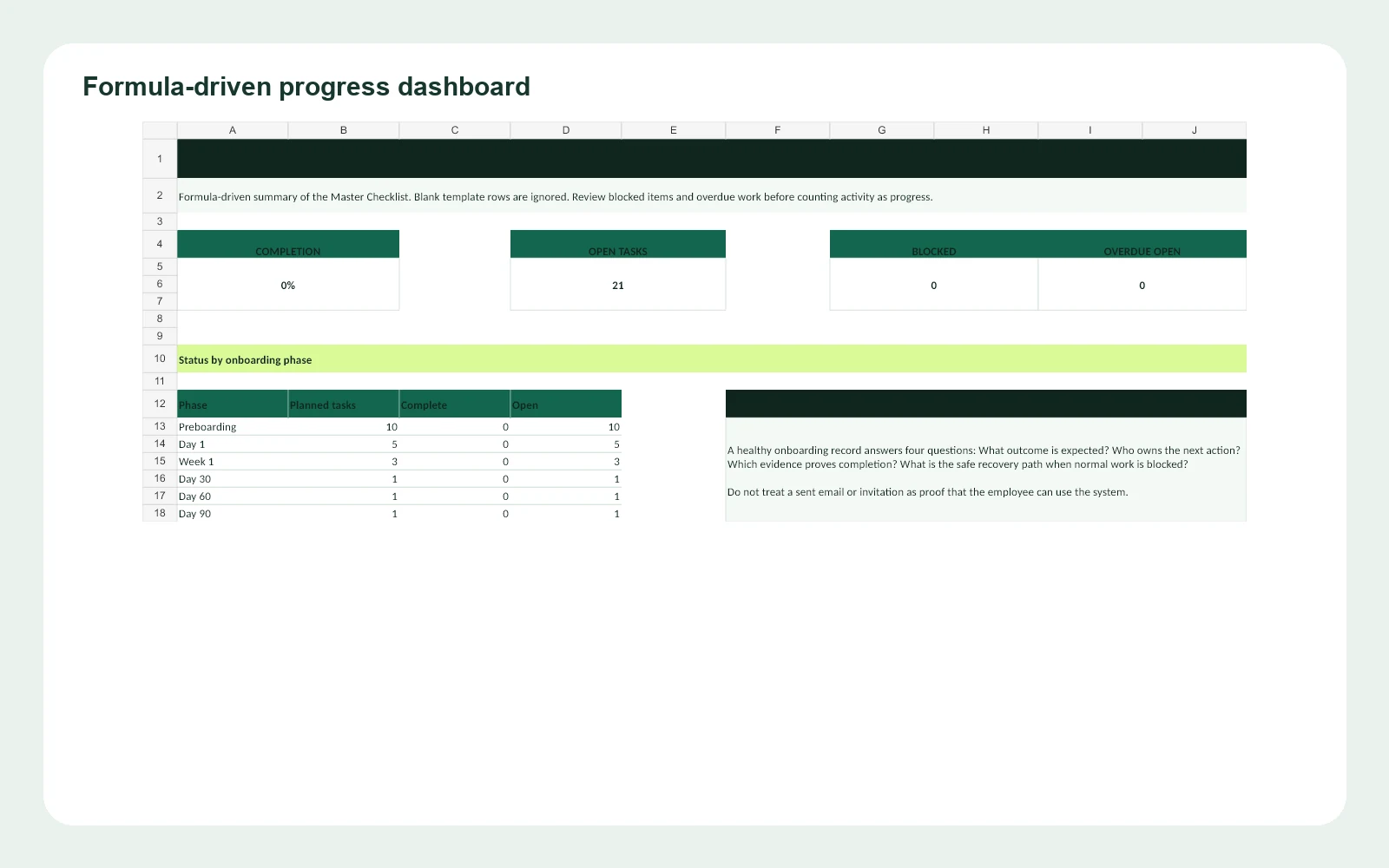
Progress is counted only when the underlying task status changes.
The dashboard summarizes completion, open work, blocked items, overdue open work, and progress by onboarding phase. Blank template rows are excluded, so customers can extend the master list without inflating activity.
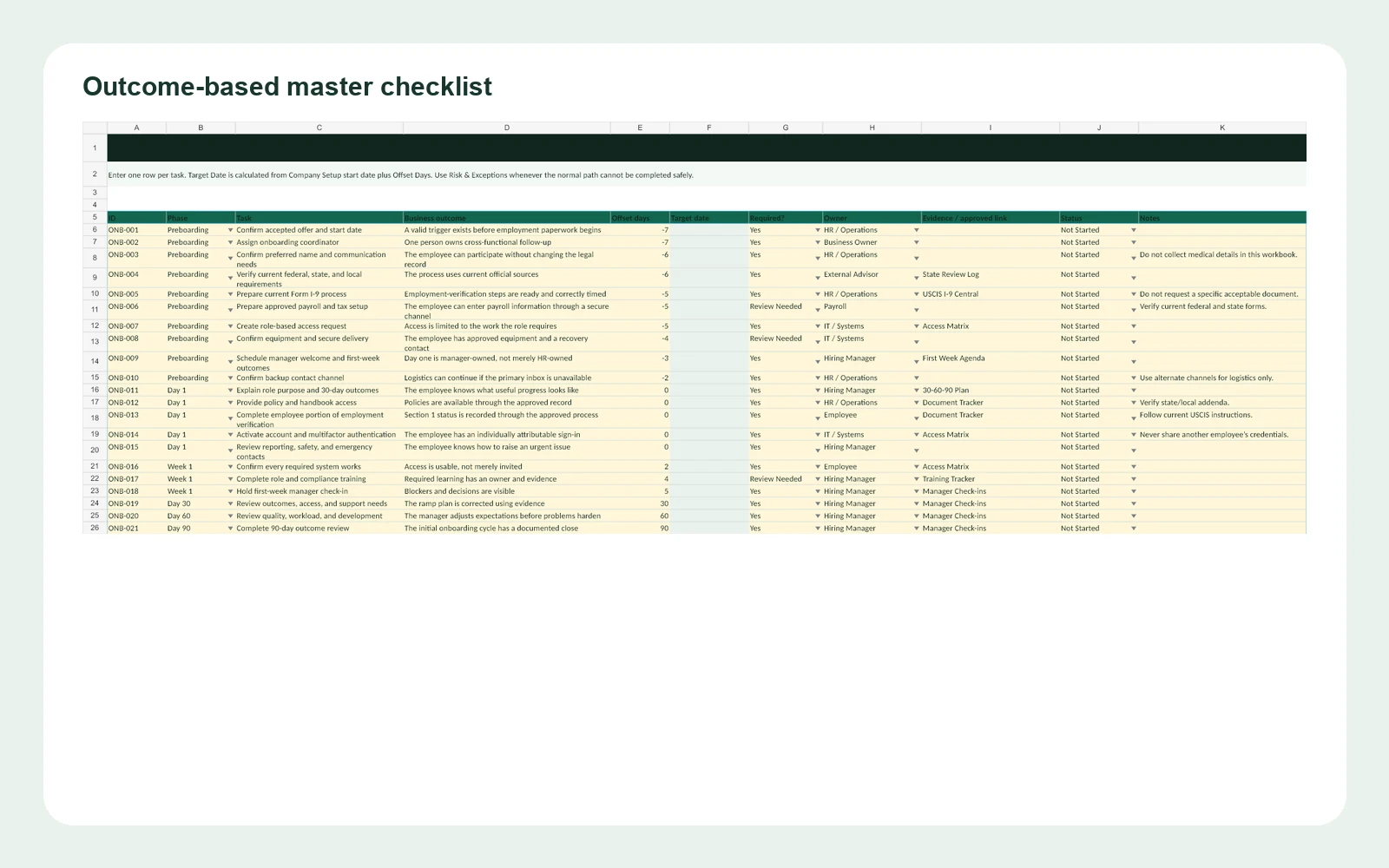
A task is not complete merely because an email was sent.
The master checklist connects each task to a business outcome, target date, responsible owner, approved evidence link, and status. The design follows the book’s central idea: onboarding should prove that a useful outcome is available, not just that activity occurred.
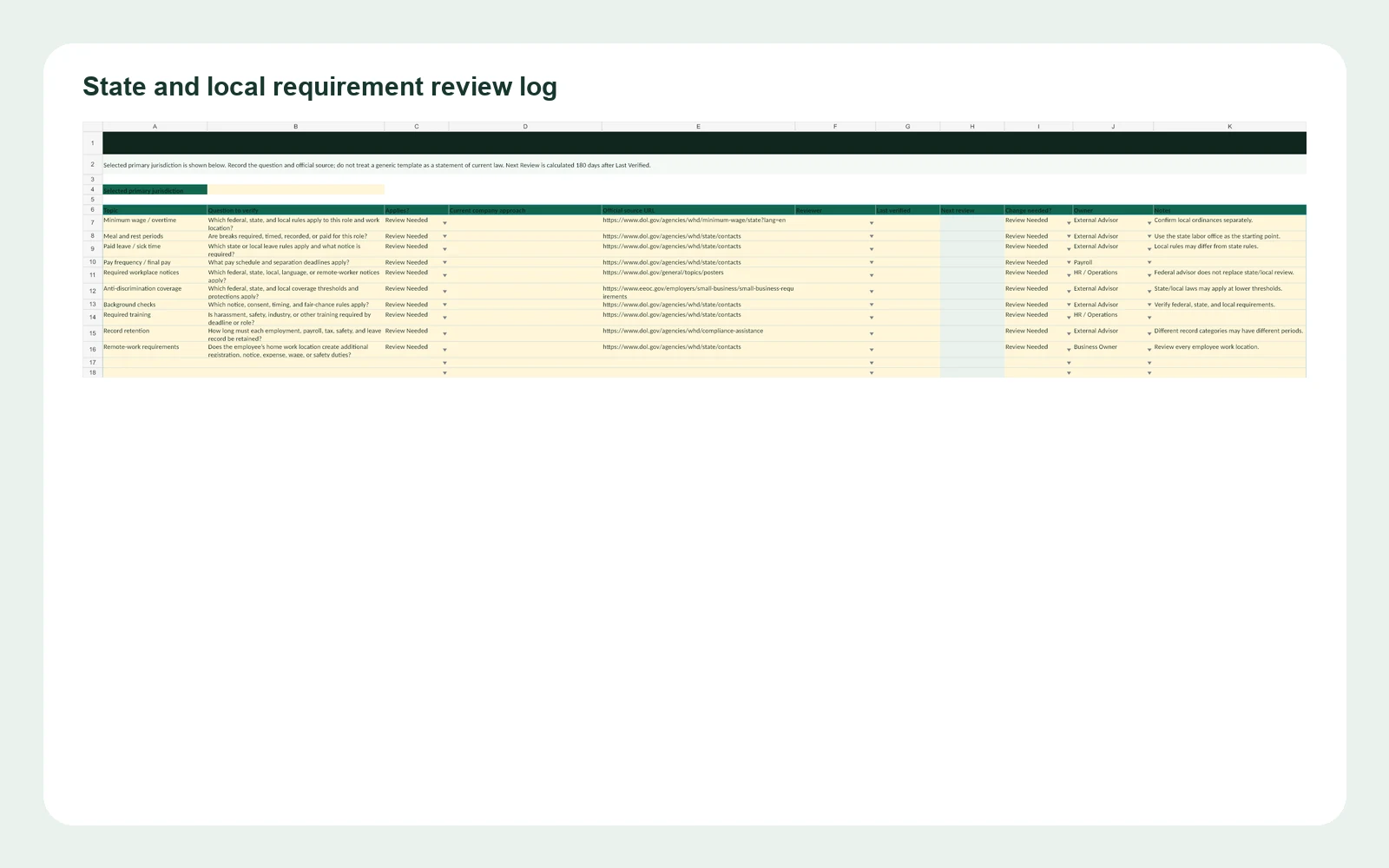
The workbook creates a review process instead of freezing a legal answer.
Employment requirements vary by location and circumstance and change over time. The State Review Log asks the user to select a jurisdiction, record the question, document current practice, link the official source, name the reviewer, and set the next review date. The dropdown covers all 50 states, the District of Columbia, and Puerto Rico.
Official starting points are included for the U.S. Department of Labor, EEOC, and USCIS. The purchaser remains responsible for checking federal, state, local, and industry-specific requirements with official agencies and qualified advisers.
Keep sensitive records in approved systems.
This workbook is intentionally a coordination layer. Use employee IDs or cohort IDs instead of Social Security numbers, link to approved systems rather than attaching identity documents, and never place passwords, bank information, or medical records in spreadsheet cells.
Before you use the toolkit.
Does the workbook provide state-specific legal advice?
No. Dropdowns help identify the work state and the State Review Log structures research, evidence, review, and change control. It does not decide which law applies.
What software is required?
The product is delivered as an editable Microsoft Excel .xlsx workbook. Dropdowns, tables, formulas, and conditional formatting may behave differently in other spreadsheet applications.
Can I customize it for my business?
Yes. The customer can replace examples, add tasks, change owners, and document verified state or local requirements. Keep the clean original as a master copy.
May I redistribute an edited copy?
No. The included license permits internal use within one purchasing business. Resale, public sharing, sublicensing, and redistribution are not permitted without written permission.
Ready to turn the book into an operating system?
Review the product scope above. Custom adaptations are a separate service.